Download the Ice Casino App for Android & iOS and Claim Your Bonus

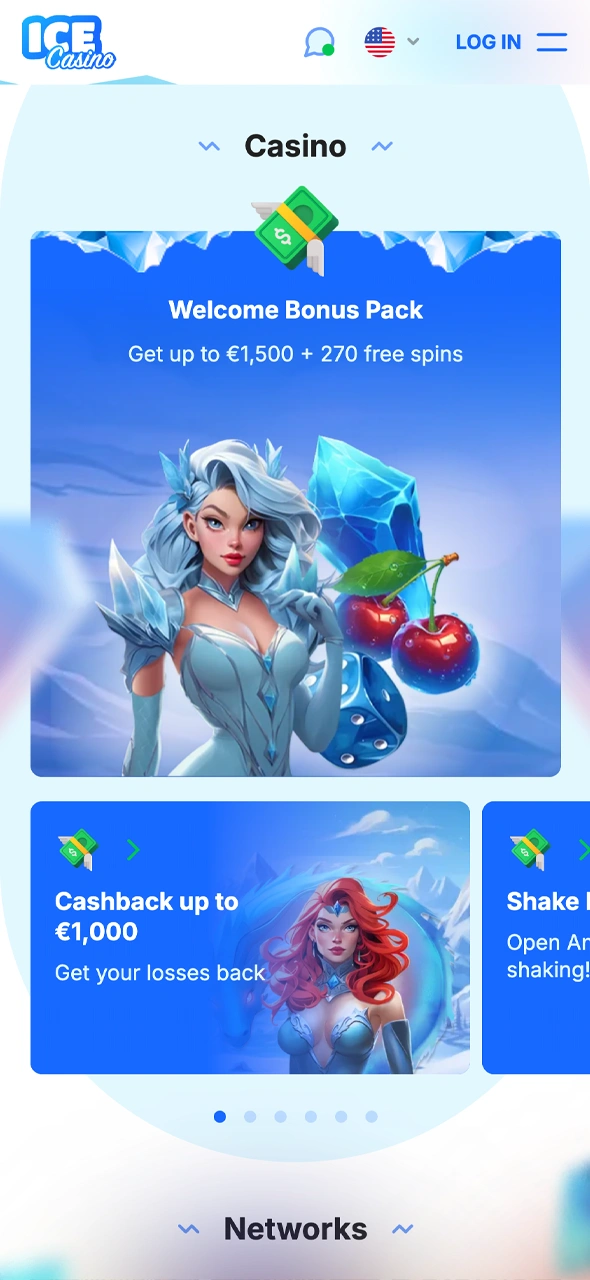
Ice Casino offers an Android app installed as an APK file from the official website, while iPhone and iPad users play in Safari and can pin the site to the Home Screen. One account works in the app and on desktop, so existing players simply log in. New players can claim a welcome package of up to €1,500 + 270 free spins over three deposits, and the Android app adds Shake Bonus and Piggy Bank.

Welcome Bonus

€1,500 + 270 FS

Get the Ice Casino mobile app and enjoy nonstop gaming.

About Ice Casino App

App category Casino and sportsbook
Licence Whitebox B.V., Curaçao Gaming Control Board licence OGL/2024/822/0338
Supported OS Android (APK); iOS via Safari or the App Store where offered
Cost of download Free
App languages English
Availability 18+, countries outside the restricted list (Ireland is not on it)
Welcome bonus for sports Sport Welcome Pack over 3 deposits
Welcome bonus for casino Up to €1,500 + 270 free spins over 3 deposits
App-only promotions Shake Bonus, Piggy Bank (Android)
Bet types Singles, multiples, system bets; pre-match and live
Customer support 24/7 live chat and email

Interface of Ice Casino App

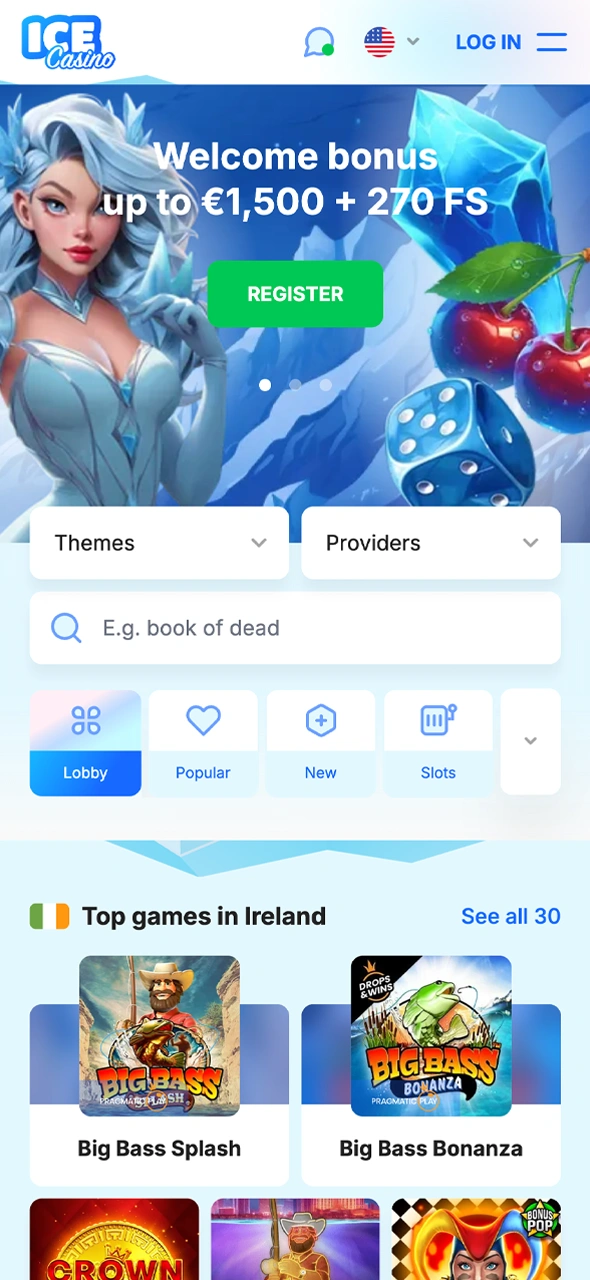
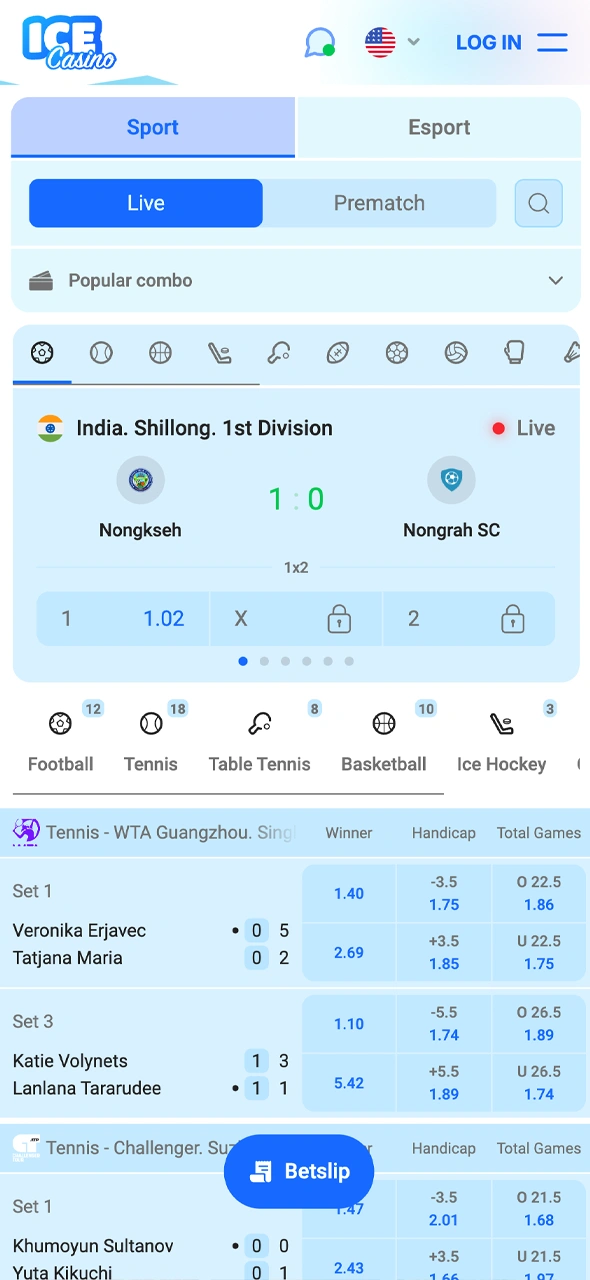
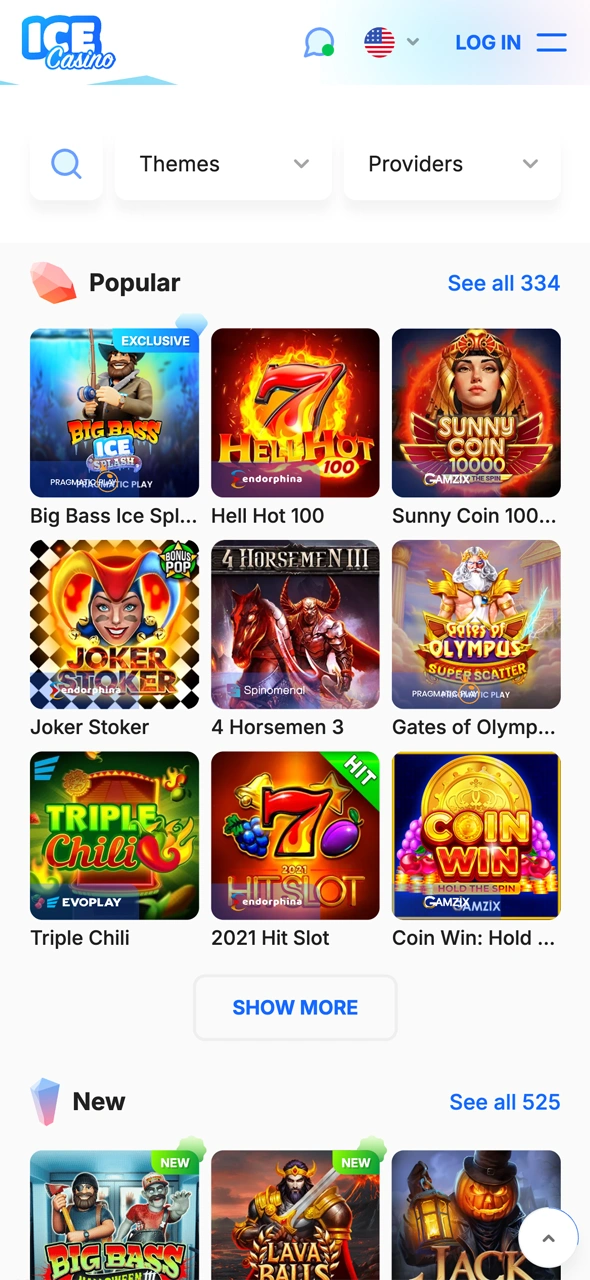
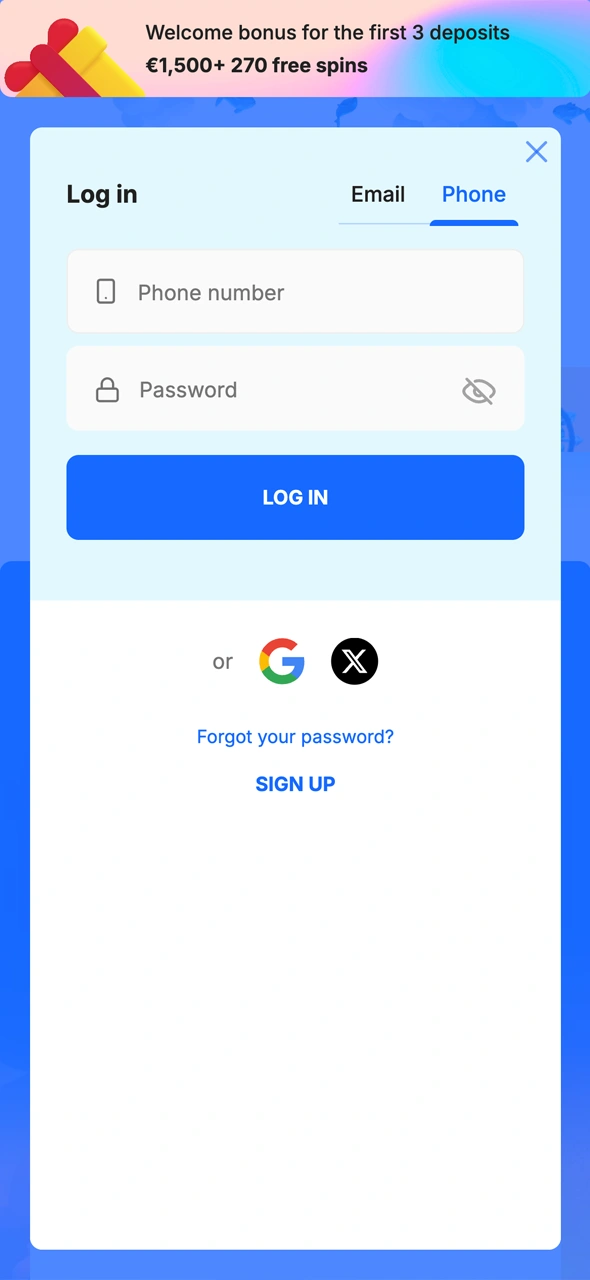
The app brings the main areas of the casino together: the lobby with slots and live dealer tables, the sports section, the bonus area and the cashier for deposits. A bottom navigation bar gives quick access to the main sections, including bonuses. The search field finds games by title or provider, and the “I’m Feeling Lucky” filter opens a random game.

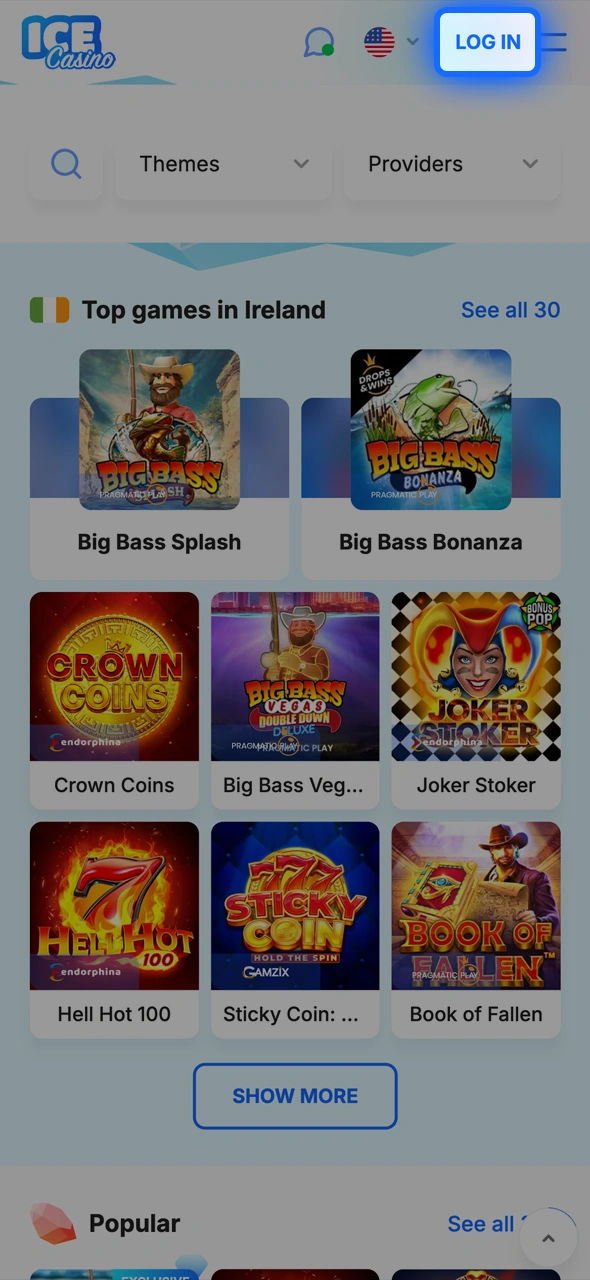
Start your Ice Casino journey from the home screen.
Place your sports bets easily in the Ice Casino app.
Browse the Ice Casino slots and games section.
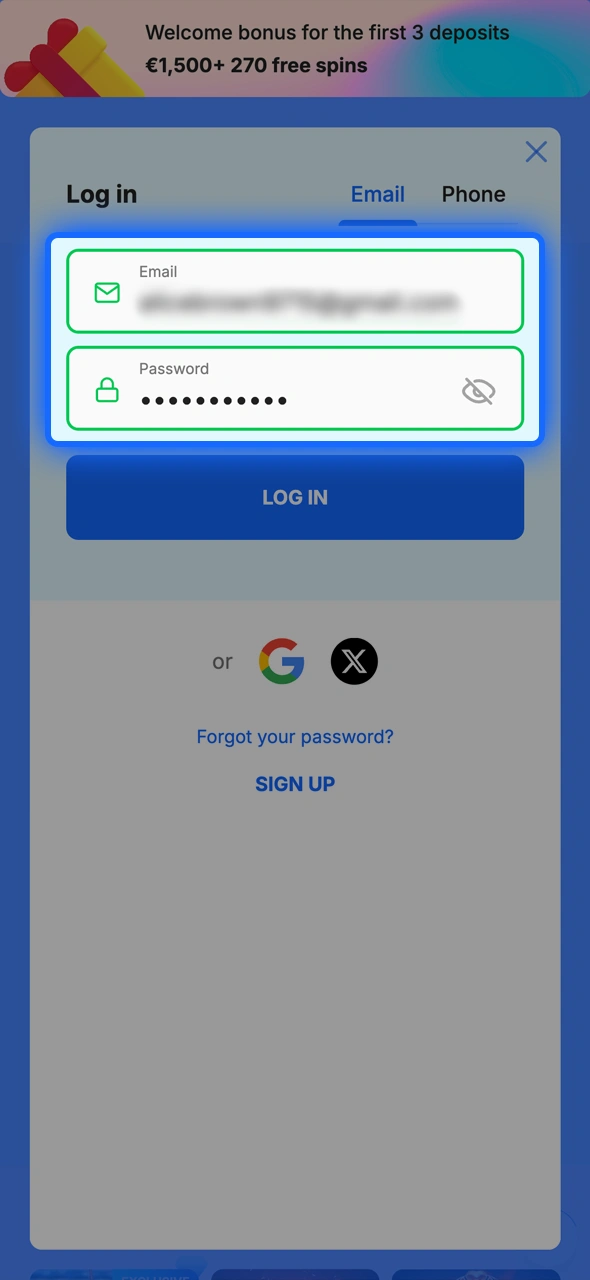
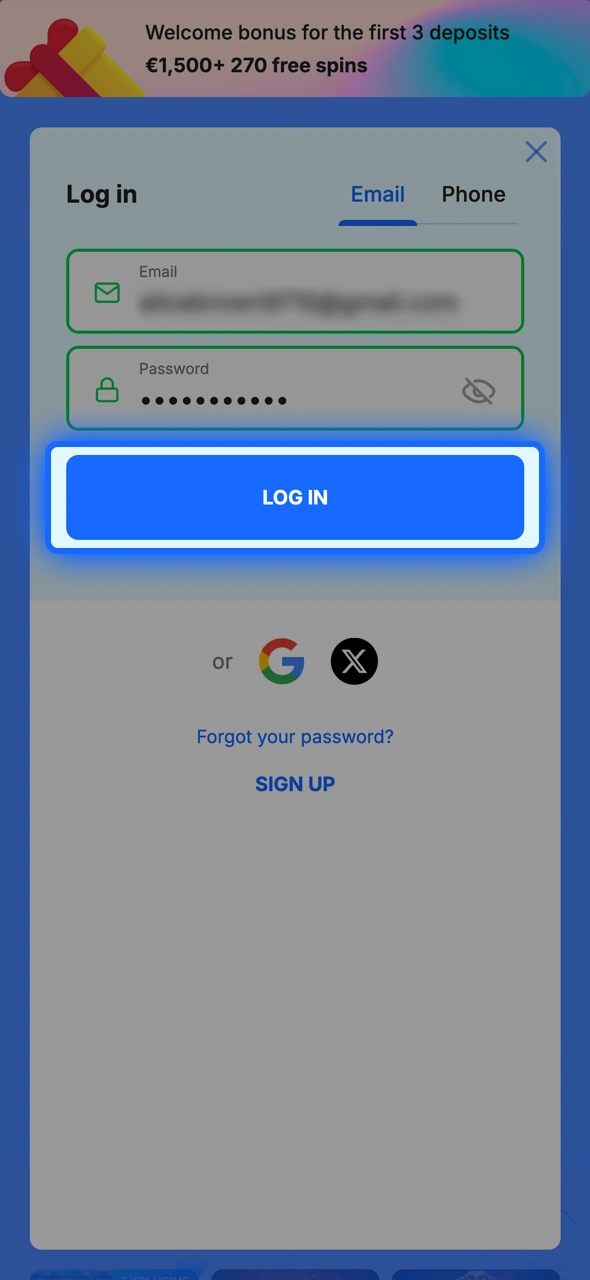
Log in to your Ice Casino account securely.
Claim your Ice Casino bonuses directly in the app.

Ice Casino APK Overview

On Android, the Ice Casino APK brings the casino lobby, the sports section, the cashier and the bonus area into one installed app. The file is not offered on Google Play: it comes from the official download page, which the App for Android button on this page opens. Before installation, Android asks for permission to install apps from unknown sources. The app uses the same player account as the website, and new versions are announced inside the app with an “Update” button. iPhone users follow the separate iOS steps below.

Item Info
App title Ice Casino
File type APK for Android
Source Official Ice Casino website (not Google Play)
Price Free
App category Casino and sportsbook
OS compatibility Android phones and tablets
Installation setting Allow installs from unknown sources
Updates In-app notification and “Update” button
File size and version Change with each release; no fixed figures are published

Download the APK only through the official link: copies from third-party sites may be outdated or modified.

Download Ice Casino APK for Android in 3 Steps

Installation takes a few minutes. Then you can log in or sign up right in the app.

1.

Click the ‘App’ Button

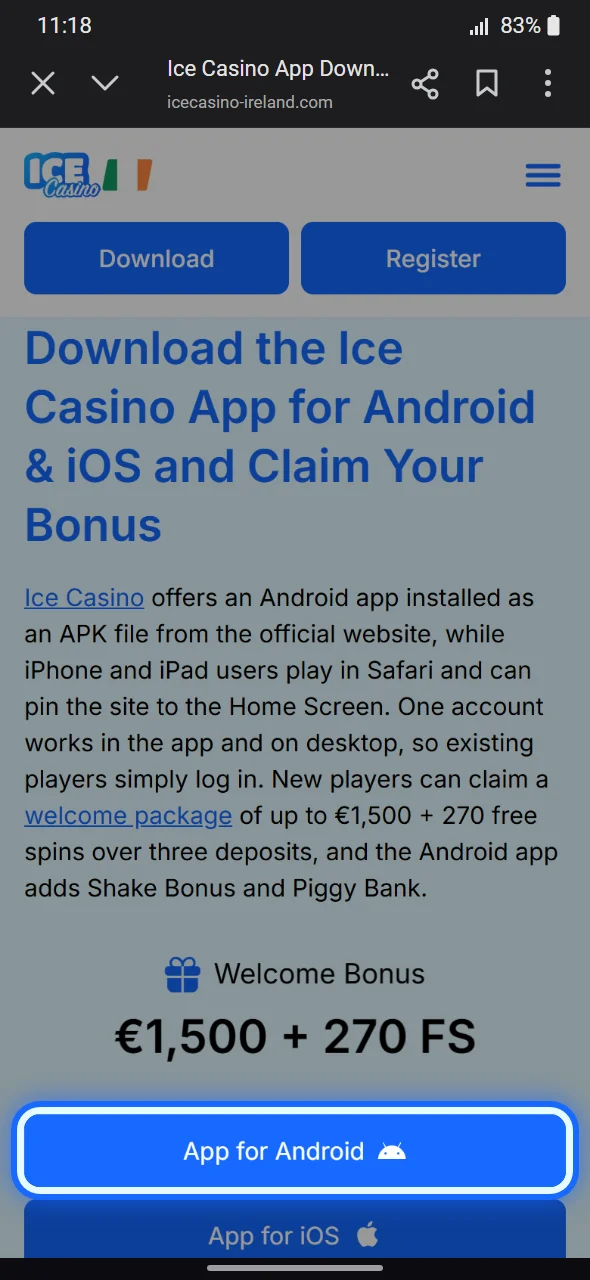
Tap the App for Android button on the first screen of this page to open the official app page.

App for Android button on the Ice Casino app page in Chrome
2.

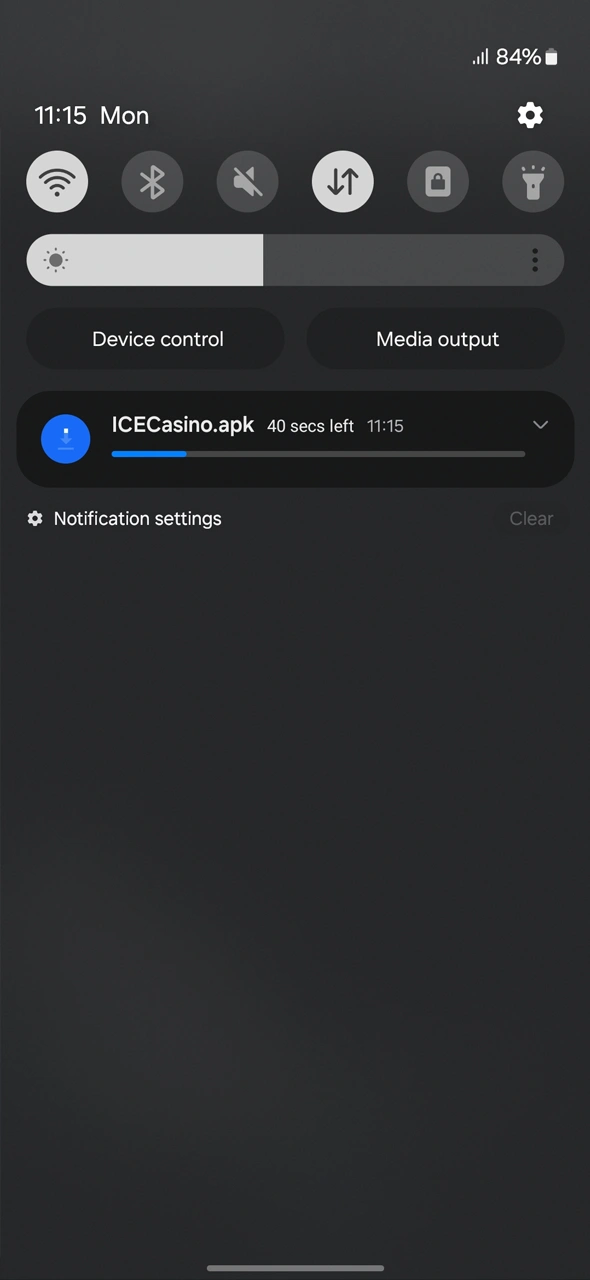
Download the Ice Casino APK

Tap “Download” and wait for the file. On a computer, scan the QR code shown on the page with your phone instead.

Read how to safely get the Ice Casino APK on your phone.
3.

Install the App

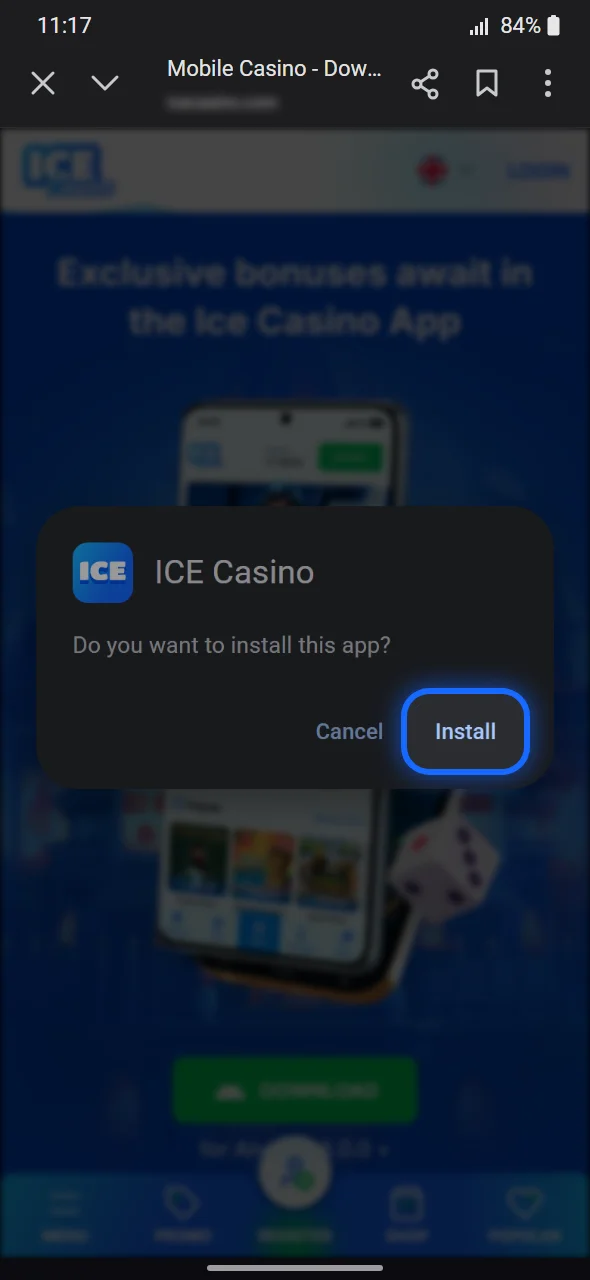
Open the file, allow installs from unknown sources when asked, tap “Install”, then “Open”. Allow notifications to get bonus alerts.

Android prompt to install the Ice Casino APK with the Install button

System Requirements for Android

Ice Casino does not publish a minimum Android version, RAM figure or storage requirement for the APK. The app needs an Android device that still receives system updates, some free storage and a stable connection; heavier content such as live dealer streams runs best on newer hardware.

Spec Requirement
Operating system A current Android version; the operator names no minimum
Installation Permission to install apps from unknown sources
Storage space Free space for the APK and game cache; the file size changes with each version
Connection Stable Wi-Fi or mobile data, especially for live games

If the APK cannot be installed, the full casino remains available in the mobile browser.

Supported Devices for Ice Casino APK Version

Ice Casino does not publish a list of supported models. The APK is built for Android in general, so phones and tablets from the major brands can run it as long as they have a current Android version and enough free memory. Devices that no longer receive updates may run slower.

Brand Typical device lines
Samsung Galaxy S, Galaxy A and Galaxy Z phones, Galaxy Tab tablets
Google Pixel phones and tablets
Xiaomi, Redmi, Poco Current Android smartphones
OnePlus, Oppo, Motorola, Sony Android smartphones with recent system updates

For any model not named here, the same rule applies: a current Android version and free storage are what matter.

Ice Casino App for iOS: Safari and Home Screen Setup in 5 Steps

The operator’s app page mentions an App Store version whose name and icon may differ. Where no listing is offered, the iOS download button leads back to the website, and iPhone or iPad users play in Safari with a Home Screen icon. Shake Bonus and Piggy Bank stay Android-only.

1.

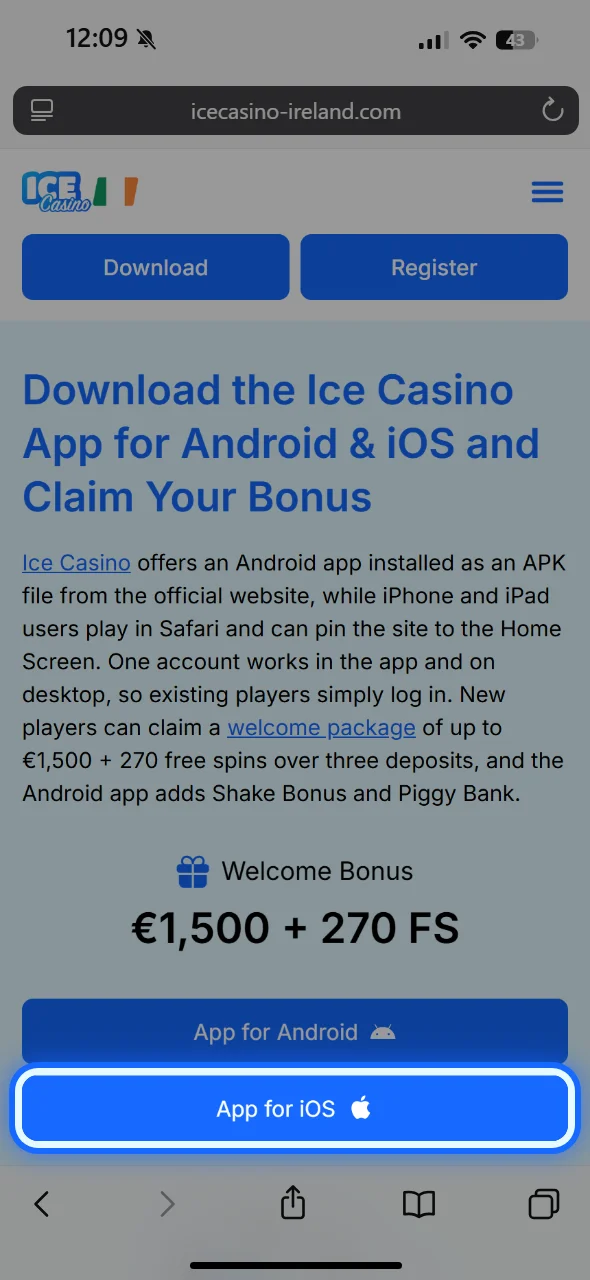
Click Download for iOS

Open the site in Safari and tap “Download” for iOS. If the App Store opens, install from there; if the site reloads, go on.

App for iOS button on the Ice Casino app page in Safari
2.

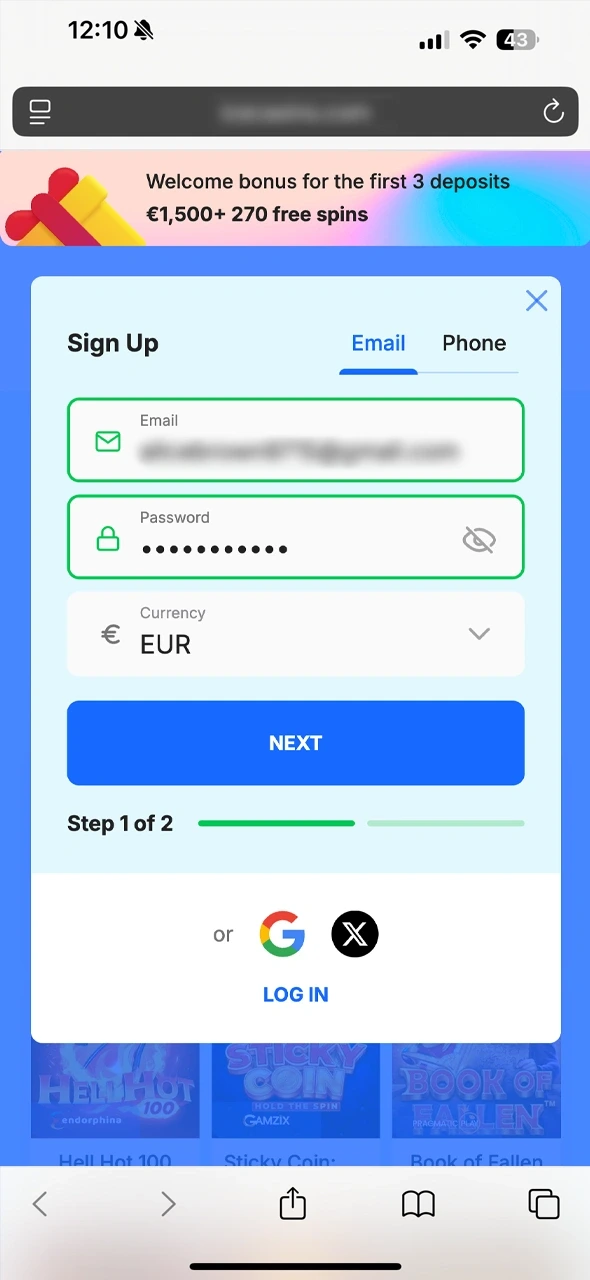
Log In or Sign Up

Sign in to your account or register if new; Irish players must be 18+.

Ice Casino sign-up form with e-mail, password and EUR currency in Safari
3.

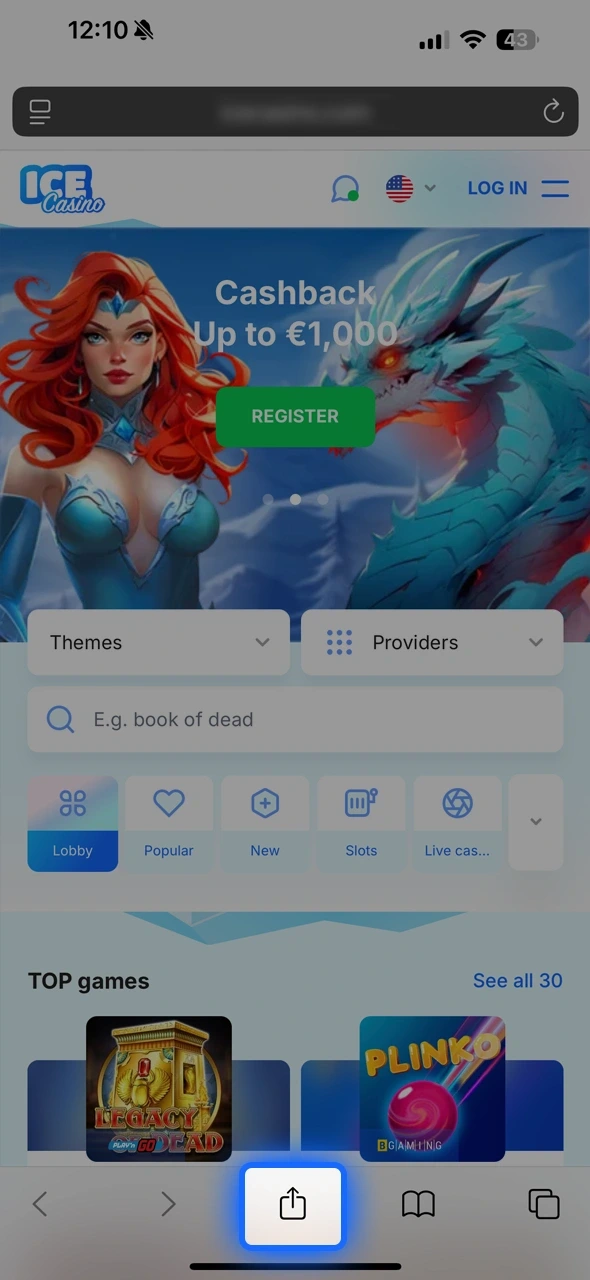
Tap Share

Tap the Share icon in Safari (on newer iOS versions it sits under the “…” button).

Share button in Safari on the Ice Casino home page
4.

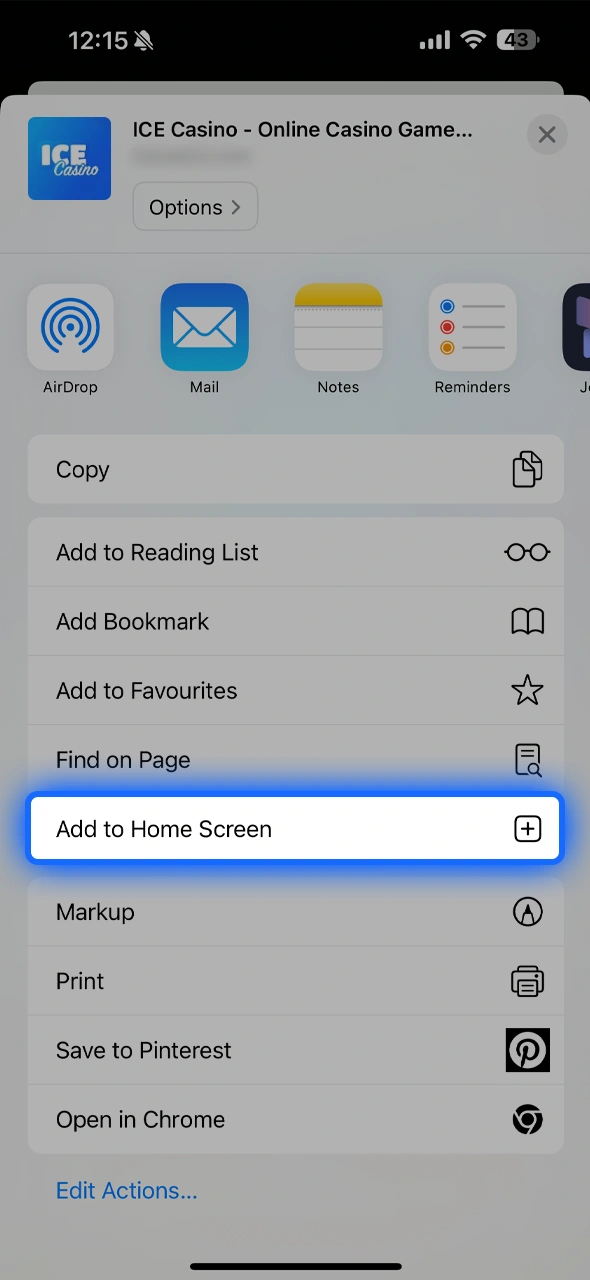
Select “Add to Home Screen”

Choose “Add to Home Screen”, edit the name if you want and tap “Add”.

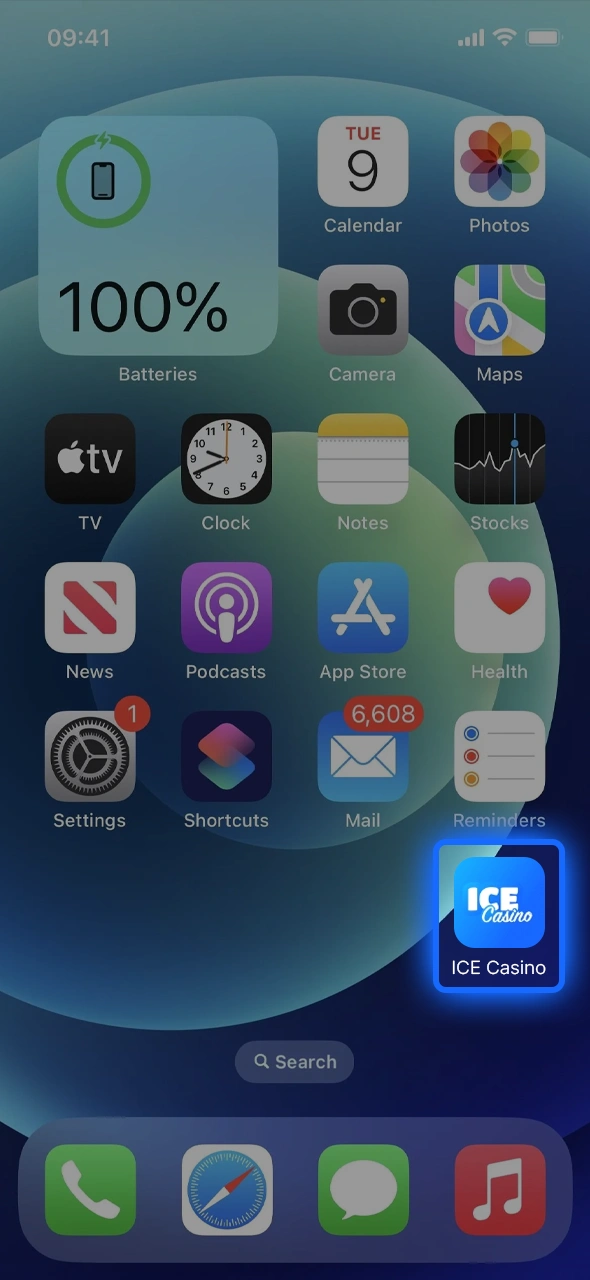
Follow simple steps to add Ice Casino to your iPhone screen.
5.

Begin Exploring

Open the new icon, sign in and browse slots, live tables and sports.

Start exploring Ice Casino and discover all the features.

Supported Devices for Ice Casino iOS Version

There is no official device list. The Safari version runs on iPhone and iPad models with current iOS or iPadOS updates.

Device What matters
iPhone Current iOS version with Safari
iPad Current iPadOS version with Safari
Connection Stable Wi-Fi or mobile data

Keeping iOS up to date also updates Safari, which helps games and live streams load correctly.

Registration Process via App

Register easily in the Ice Casino app and start playing now.

Learn how to register in the Ice Casino mobile application; the account also works on a computer.

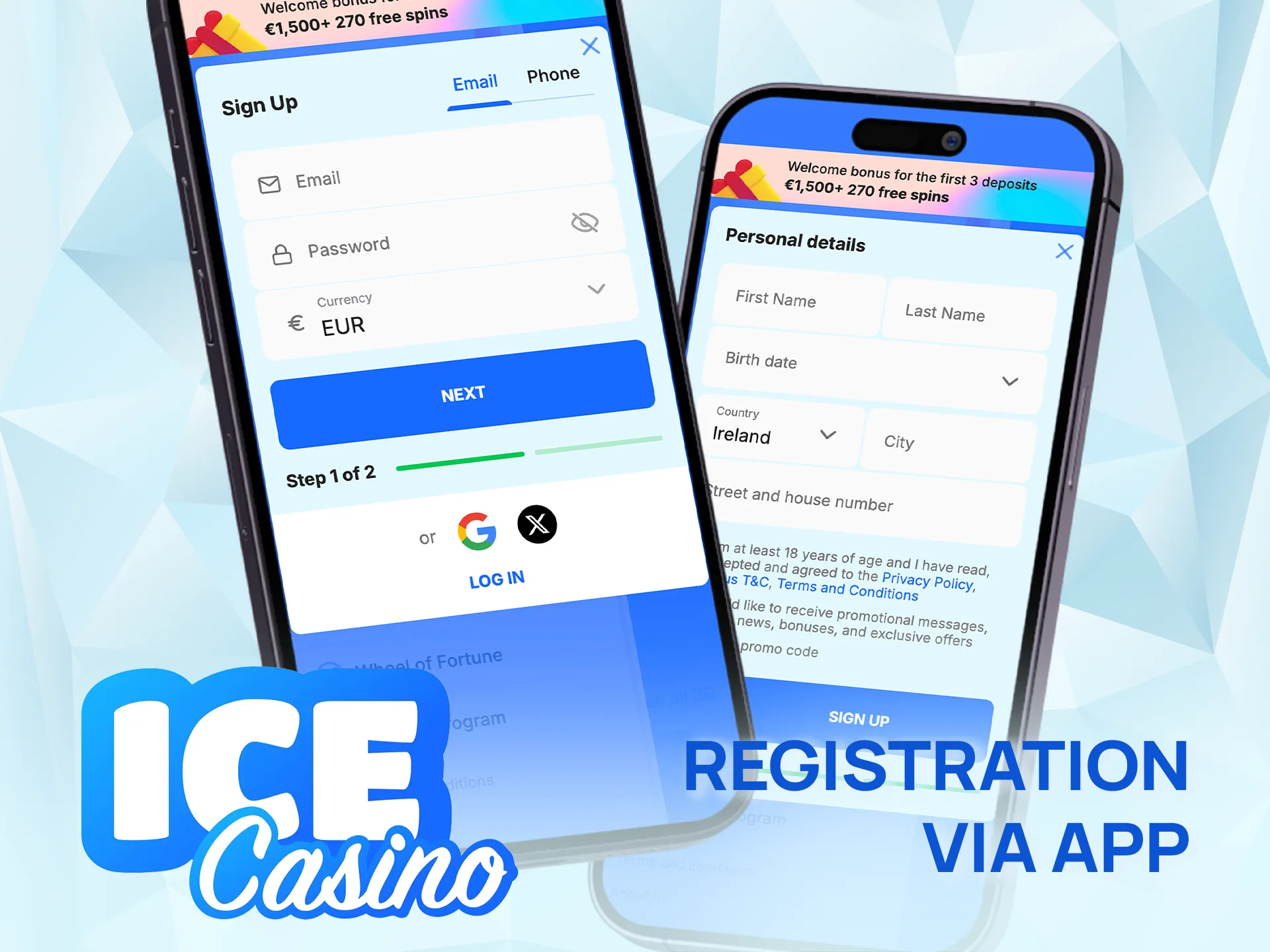
  1. Tap “Sign Up”, enter your email and a password (6+ characters, letters and digits), choose EUR and agree to the website rules.
  2. Fill in personal details: full name, birth date, phone number and address. They must match your ID.
  3. Open the email confirmation link and enter the SMS code; both are required before the first withdrawal.
  4. Upload photo ID, proof of address and proof of payment in “KYC Verification” using the camera or photo library.
  5. Set deposit, loss, wager or time limits in “My limits” to keep play under control.

Deposits work straight away; verification is due at the first payout, €2,000 in deposits or 30 days after the first deposit, whichever comes first.

Bonuses for Mobile Players

Mobile players get the desktop offers, from the welcome package to cashback, plus Android-only Shake Bonus and Piggy Bank (weekly, up to €3,000). Offers vary by country and follow the bonus terms; 18+ only.

Welcome Bonus

Claim your Ice Casino welcome bonus right after registration.
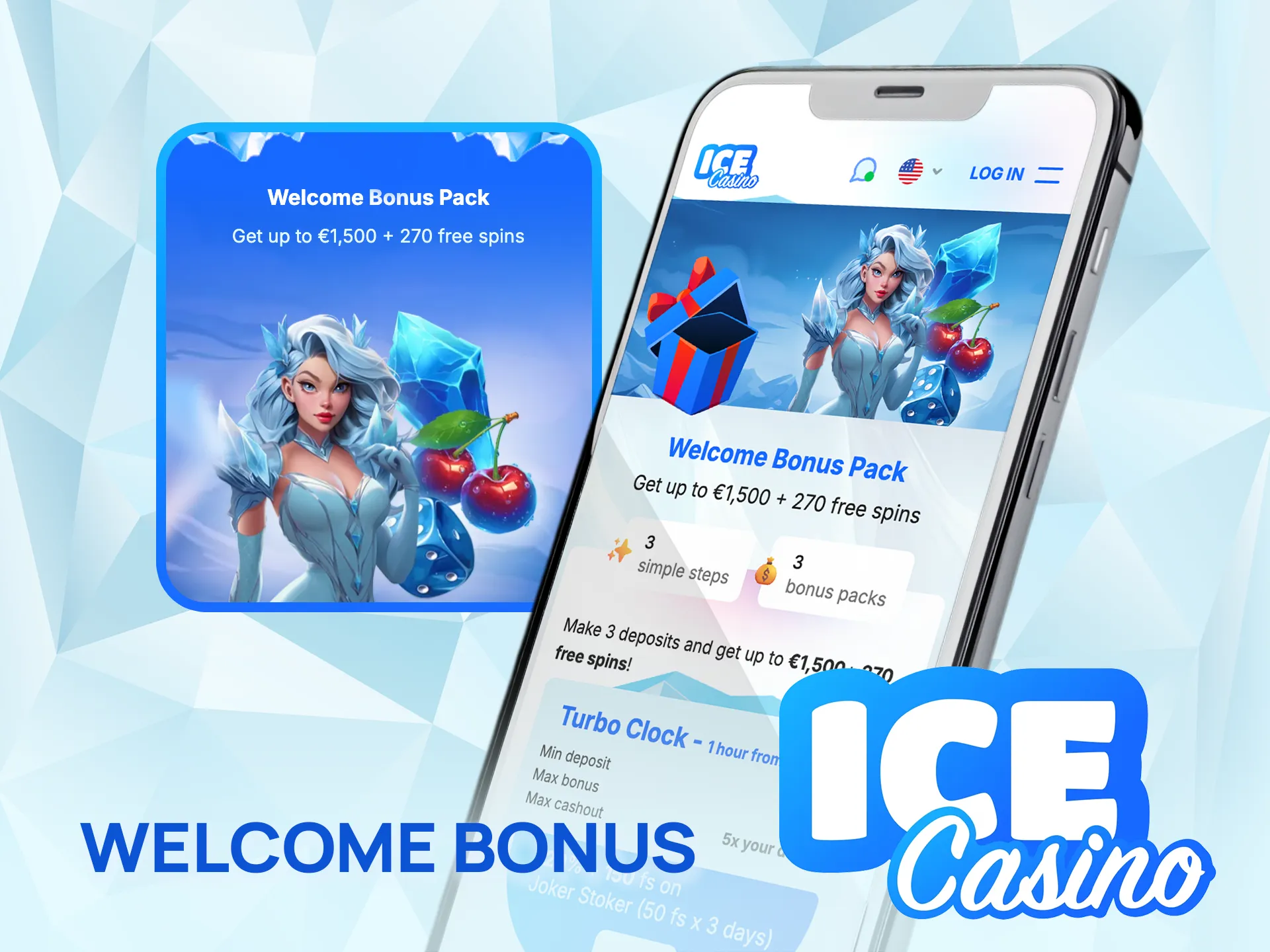
  • Type: 3-deposit casino bonus, up to €1,500 + 270 free spins;
  • Turbo Clock: 1st deposit within 60 minutes of sign-up — 120% + 150 FS instead of 100% + 100 FS;
  • Details: 1st deposit (min €10) — 100% + 100 FS on Joker Stoker; 2nd (min €15) — 125% + 70 FS on Big Bass Splash; 3rd (min €20) — 150% + 50 FS on Sticky Coin: Hold the Spin; max €500 per stage;
  • Activation: in “Bonuses” within 4 days of registration;
  • Wagering: x40 within 5 days; max conversion x5 deposit; max bet €5;
  • Free Spins Value: Joker Stoker €0.4, Big Bass Splash €0.2, Sticky Coin €0.2;
  • Validity: each stage is active 48h after activation.

Flexible Bonus: Deposit More, Play More on the Game of the Month!

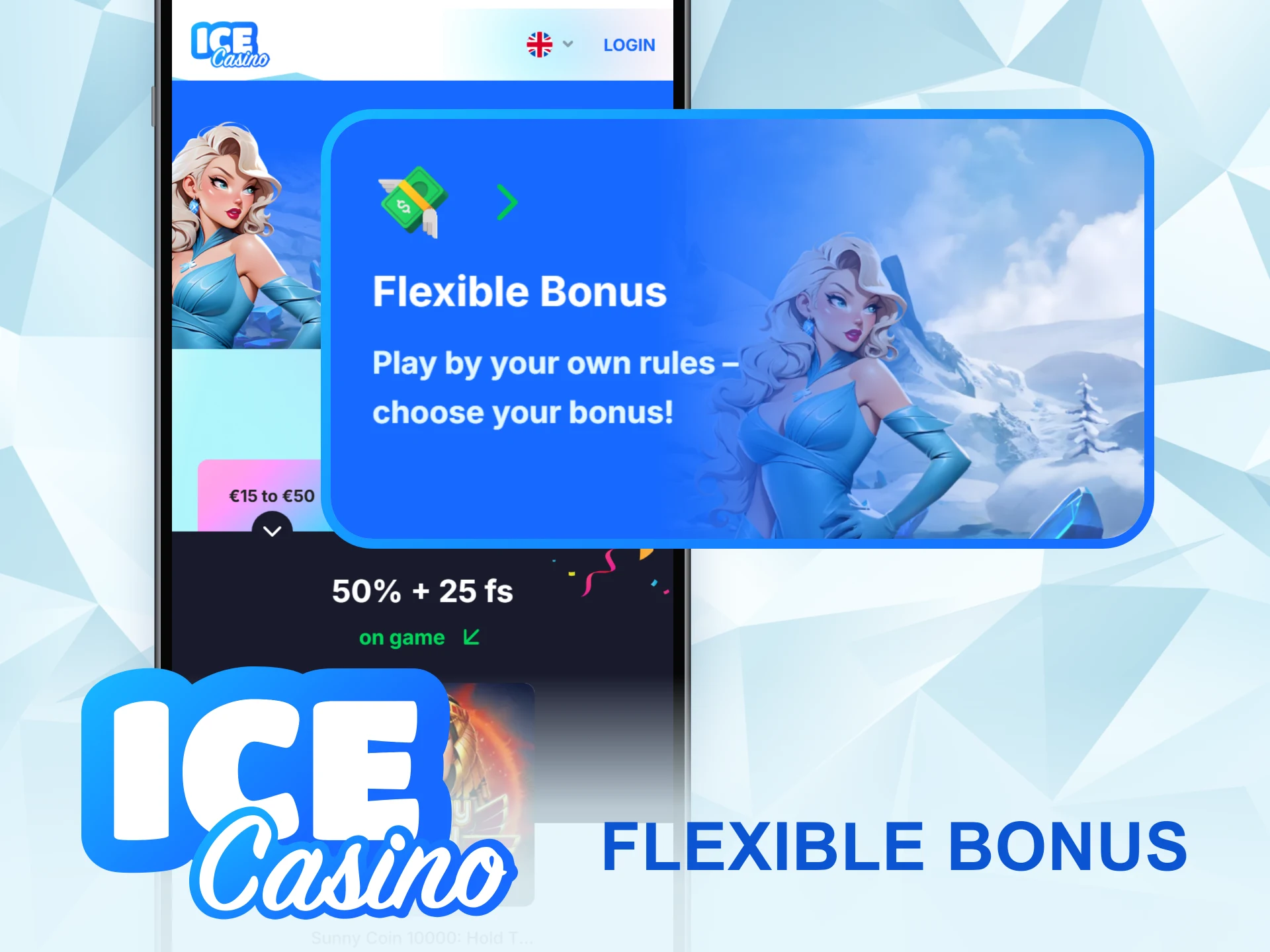
Ice Casino Flexible Bonus page on mobile with the €15 to €50 level and the Flexible Bonus promo card
  • Type: deposit bonus with three levels; the featured slots change with the Game of the Month;
  • Levels: €15–€50 — 50% + 25 FS on Sunny Coin 10000: Hold The Spin; mid level (up to €100) — 100% + 50 FS + x2 (1 hour) on Demi Gods by Spinomenal; from €100 — 115% + 75 FS + 200 loyalty points on Joker Stoker;
  • Maximum bonus: €150, €250 or €500 depending on the level;
  • Activation: in the profile before depositing; one option, once per 7 days;
  • Wagering: x40 within 5 days; max conversion x3 the deposit;
  • Free spins: usually €0.20 per spin (may vary by slot).

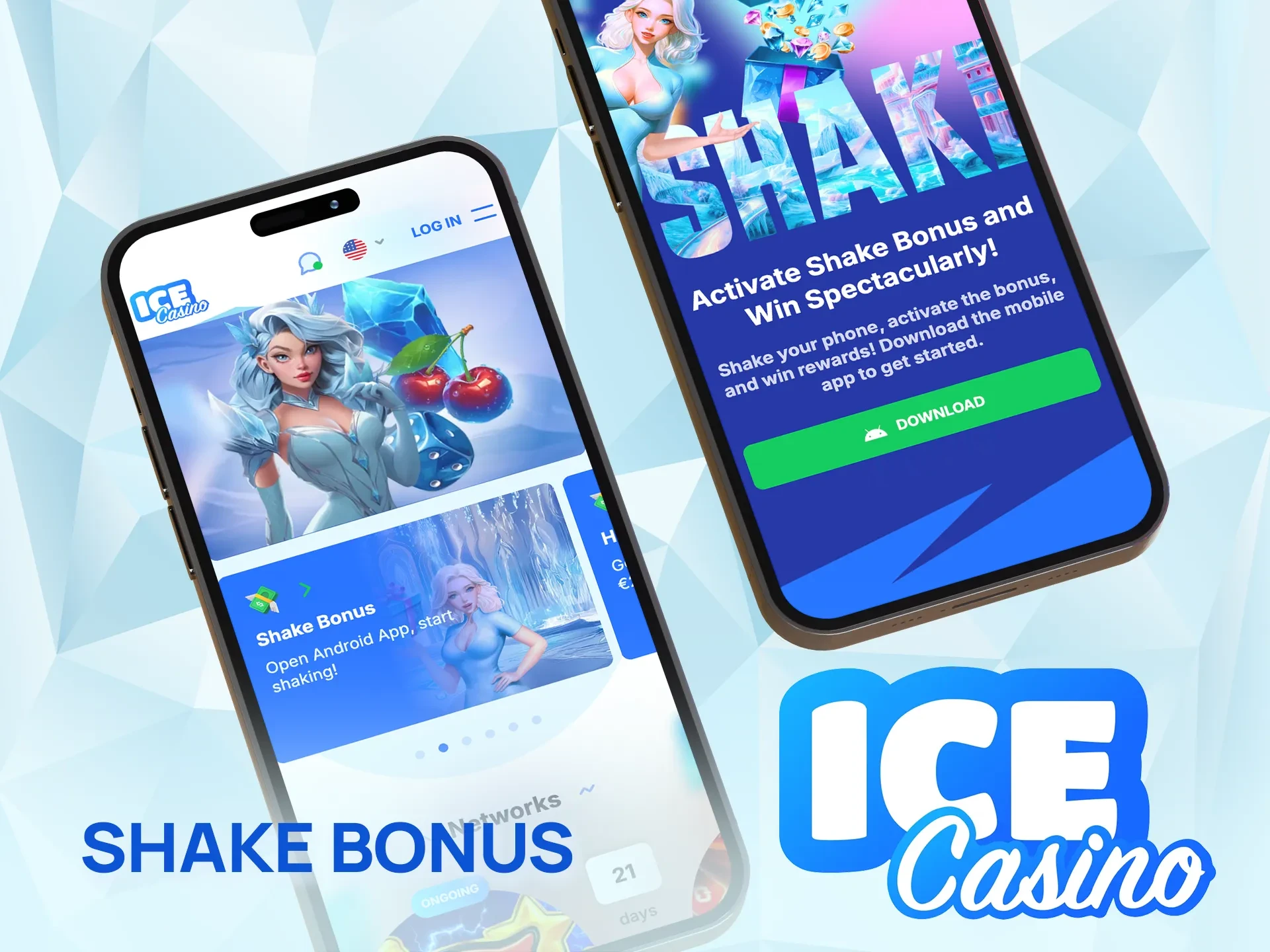
Shake Bonus

Ice Casino Shake Bonus card and Shake Bonus page with the Download button on two phones
  • Type: interactive bonus game, Android app only;
  • How to get: install the app, log in, find Shake Bonus in the “Bonuses” section and activate it;
  • How it works: shake the phone to win a prize, such as free spins or other rewards;
  • Requirements: logged-in account in the Android app; general bonus terms apply.

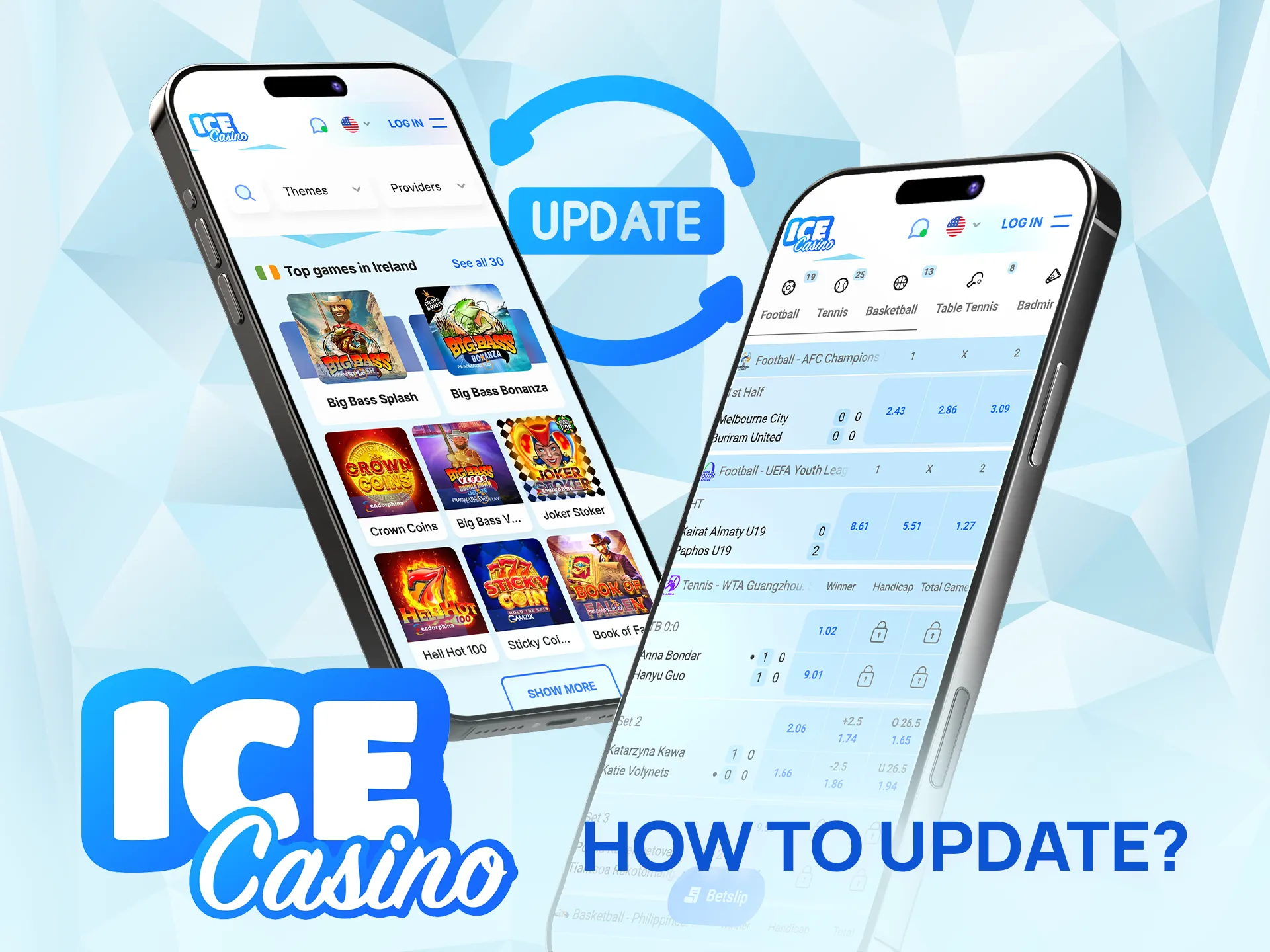
How to Update Ice Casino App to the Latest Version?

Keep your Ice Casino app updated for the best experience.

The Android app announces each new version with a notification: open it and tap “Update”, and the new build installs automatically, with account and balance unchanged. If that fails, install the current APK from the official page over the old one. The Safari version on iPhone always loads the current site; an App Store version updates via the App Store. Live support helps if problems persist.

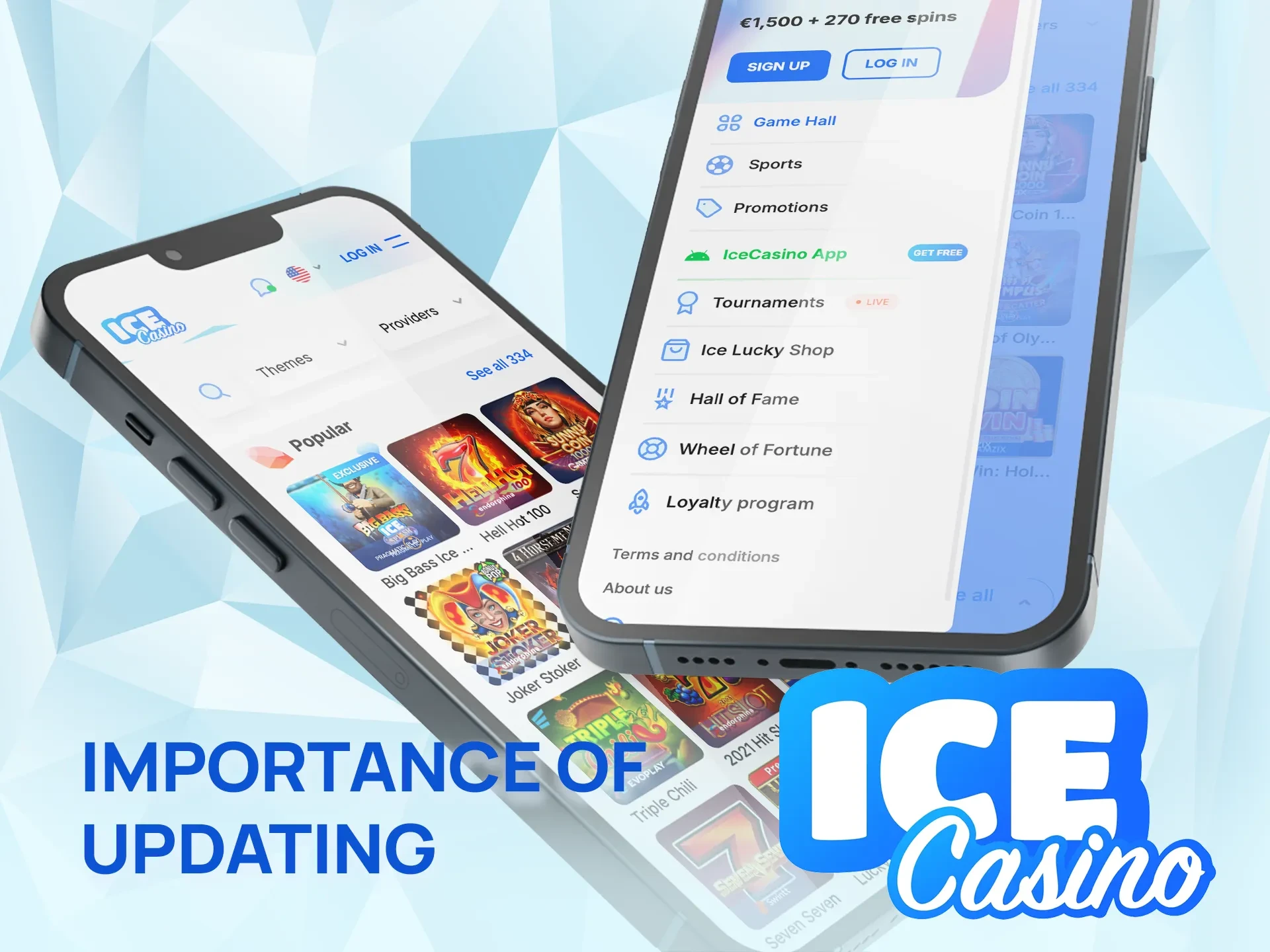
Importance of Updating Ice Casino App

Ice Casino lobby and mobile menu with the IceCasino App item on two phones

Keeping the Ice Casino app up to date brings bug fixes, keeps it compatible with new Android versions and adds changes to the lobby and promotions as the casino releases them. An old build can show errors when games or the cashier change on the server side. Installing updates only through the in-app button or the official download page also keeps the file genuine, since an APK from a third-party site may be modified. Installing an update before a long session also avoids interruptions in the middle of a game.

How to Delete Ice Casino App?

Remove the Ice Casino app easily if you no longer need it.

On Android, tap and hold the app icon, choose “Uninstall” and confirm. On iPhone, hold the Home Screen icon and remove it (“Remove App” for an App Store version). Deleting the app does not close the account: balance and history stay available in the browser or after reinstalling. The account itself is closed through live support, which also handles self-exclusion.

How to Login via Ice Casino App?

Forgotten your password? Tap “Forgot your password?” under the login form and follow the recovery link sent by email.

1.

Open App and Tap Login

Open the app on your phone and tap “Login”.

See how to open Ice Casino and access the login page.
2.

Enter Credentials

Enter the email and password used at registration, plus the 2FA code if two-factor authentication is on. Avoid shared devices if possible.

Read how to enter your Ice Casino login details securely.
3.

Sign In

Press “Log in”. The lobby opens with your balance at the top; active bonuses are under “Bonuses”.

Learn how to complete login and enter Ice Casino.

Ice Casino App Features

The app puts the casino and the sports section in one place. Search finds games by title or provider, and the favourites and last-played lists keep favourite slots close at hand. Live odds update in real time during matches. The cashier shows the payment methods available for the account, the “Messages” section collects promotional news, and play limits are set in the profile under “My limits”.

Live Betting Features

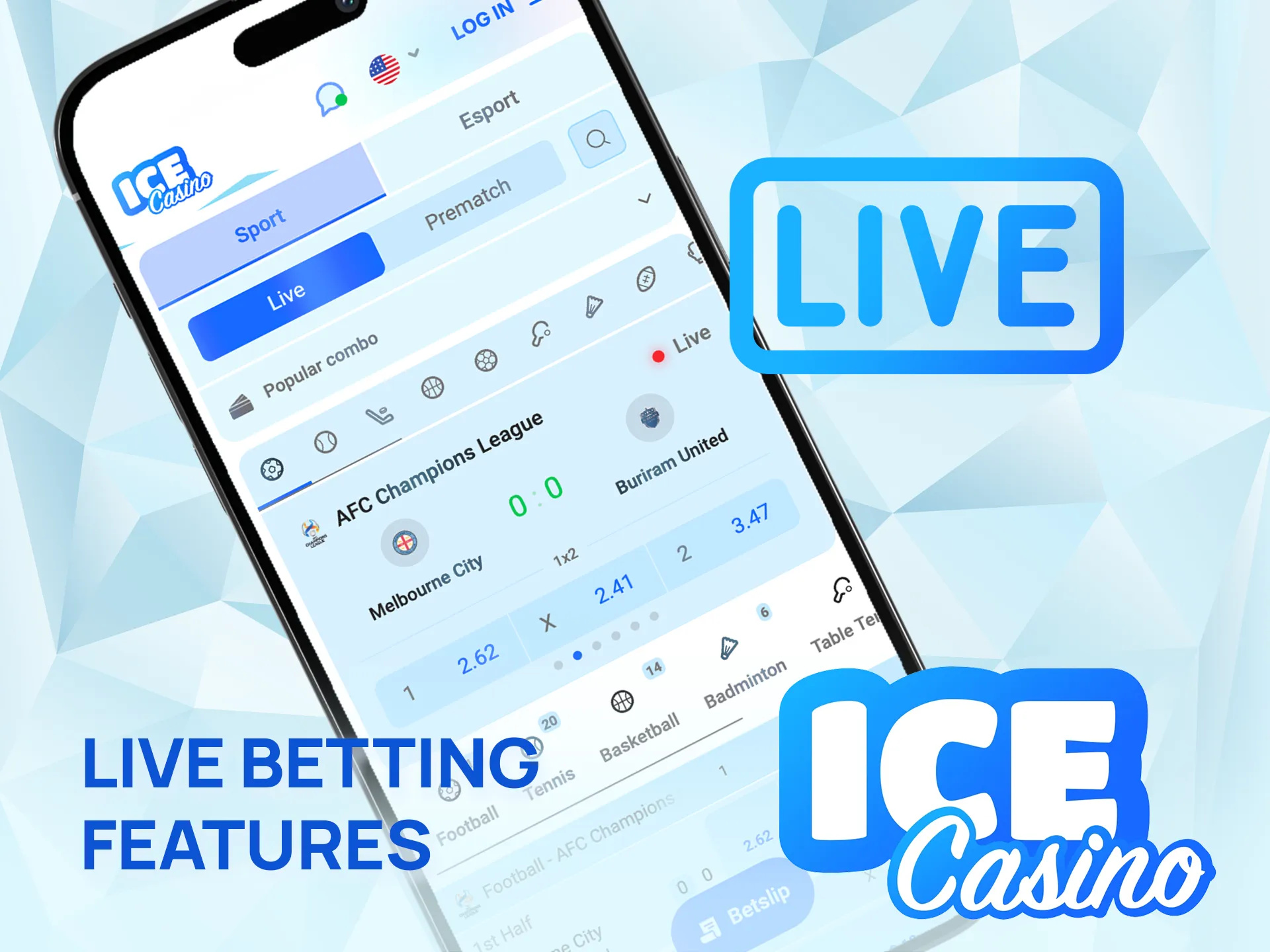
Try live betting in the Ice Casino app for real-time action.

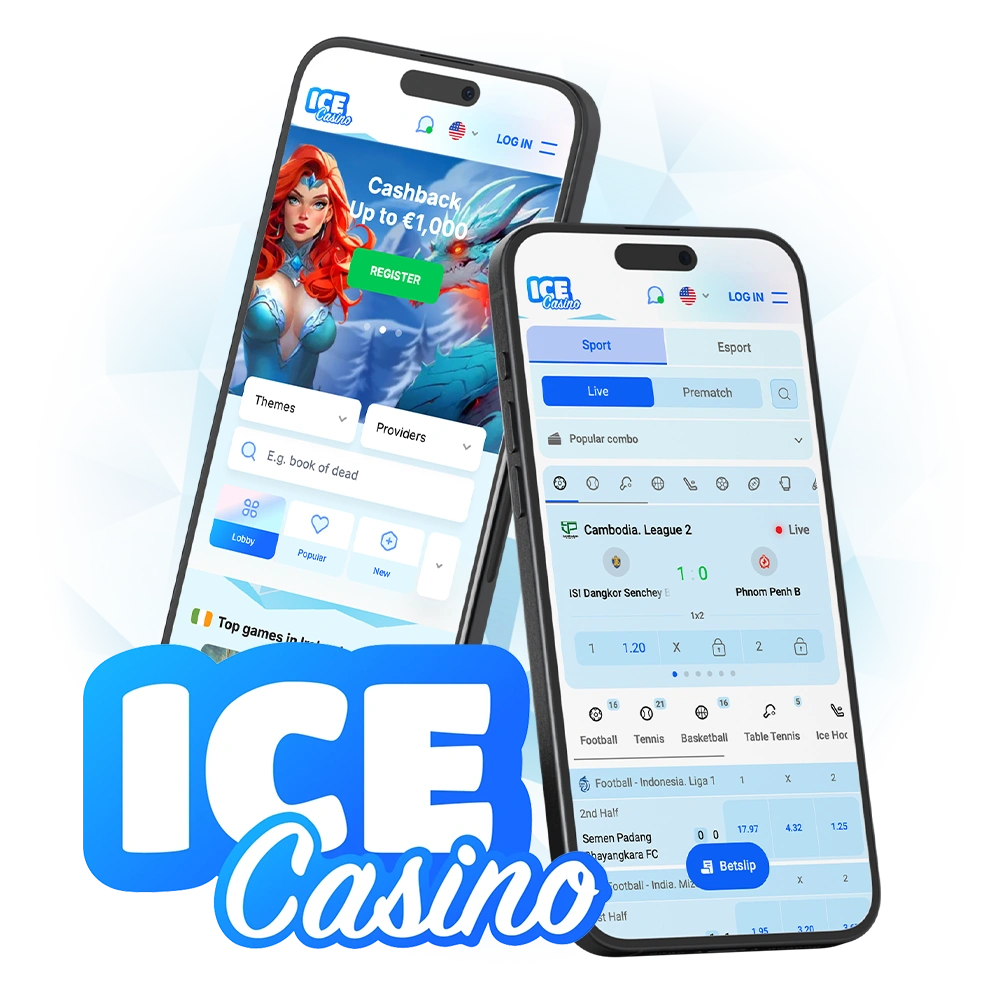
Live bets are placed in the Live section on events that are already in progress, and only on outcomes that are still open. Odds change in real time and can move between choosing a selection and the bet being accepted, so the final price may differ from the one first shown. The betting rules cover football, rugby, tennis, basketball, ice hockey, snooker, boxing, MMA, motorsport and esports, among others, with singles, multiples and system bets. Open and settled bets appear in “Bets history”, and claims about a live bet must be raised within 24 hours of the event’s start under the betting rules.

Casino Games Features

Play top casino games in the Ice Casino app anytime.

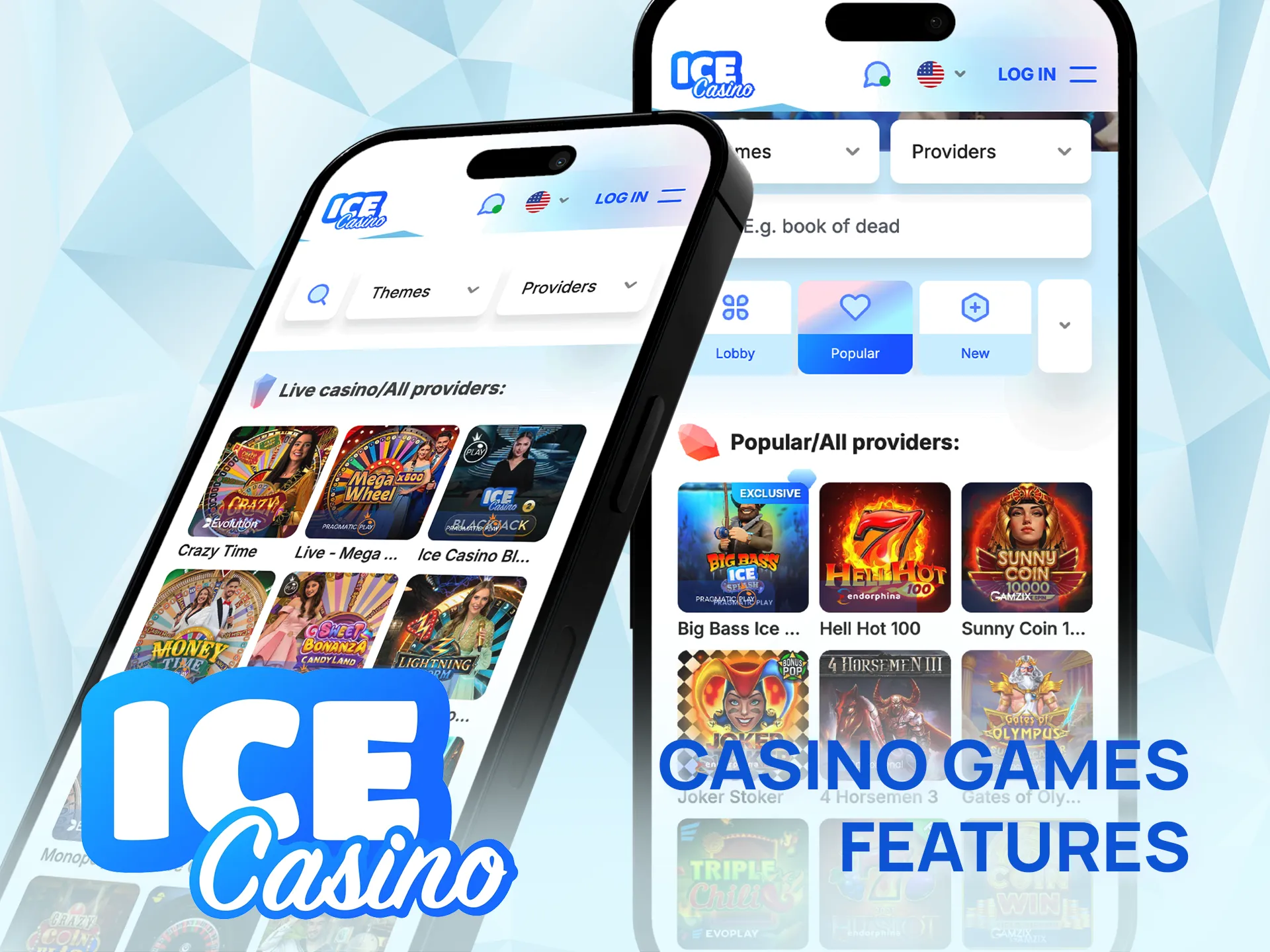
The lobby has the usual mix — slots, jackpots, Bonus Buy games, table games and live casino, plus exclusive branded titles such as Big Bass Ice Splash. Studios named by the operator include Pragmatic Play, Play’n GO, Quickspin, EvoPlay and Amatic. The live section has roulette, blackjack, baccarat and game shows. Search by game or provider jumps straight to hits like Book of Dead or Sweet Bonanza, and demo mode is available for games other than live dealer tables.

Deposit Features

Players in Ireland fund the account in euro through the cashier, which lists only the methods available for the account’s country. The operator names Visa, Mastercard and Neteller among them, and further e-wallets and other options appear in the cashier itself. Minimums and maximums depend on the method and are shown before the deposit is confirmed. Card payments may need 3D Secure confirmation in the banking app, and every method has to be registered in the player’s own name.

Method type Examples What to know
Bank cards Visa, Mastercard Card in the player’s name; the bank may ask for 3D Secure
E-wallets Neteller and other wallets shown in the cashier Wallet in the player’s name; also used for payouts
Other methods Depend on the country and account Limits and terms appear next to each method
Welcome package deposits 1st, 2nd and 3rd deposit Minimum €10, €15 and €20 for the welcome bonus

Exact limits are visible in the cashier before each payment.

Withdrawal Features

A withdrawal is requested in the cashier and normally goes back to the method used for depositing. Before the first payout, the email and phone number must be confirmed, the profile filled in and the KYC check completed. Creating a withdrawal cancels active cash bonuses, free spins and Wheel of Fortune spins. For verified players, the terms set the approval times below; the payment provider may need extra time after approval.

Amount (verified account) Approval time
Up to €499 5 minutes to 12 hours, no more than 2 working days
€500 to €4,999 5 minutes to 48 hours, no more than 5 working days
€5,000 to €29,999 Within 30 working days
€30,000 or more Individual terms

Banks and most payment providers do not process payments at weekends or on public holidays.

User Profile Features

Manage your Ice Casino account easily in the app.

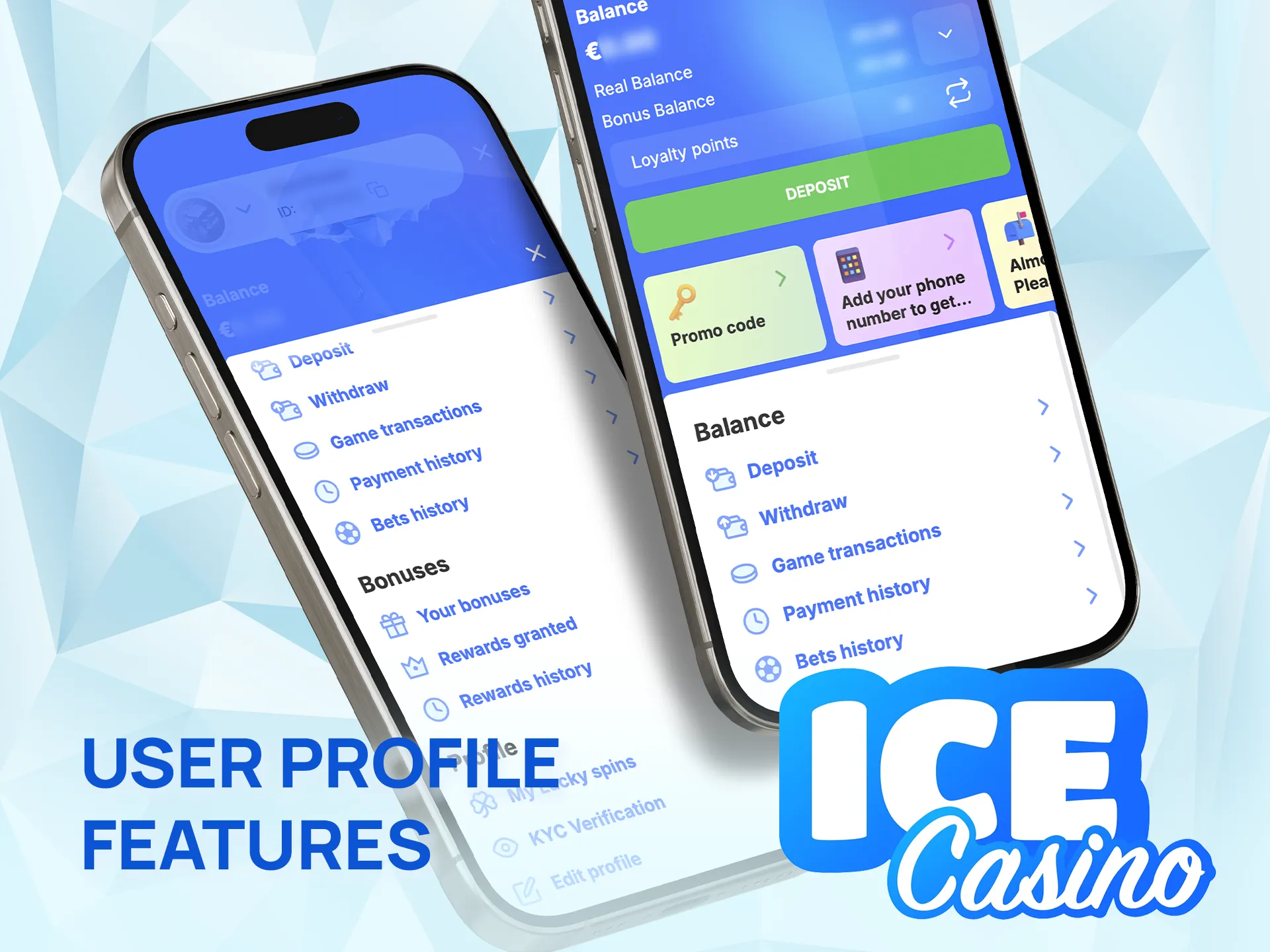
The profile holds personal data and settings, password change, two-factor authentication, “KYC Verification” for document uploads and “My limits” for deposit, loss, wager and time limits or a break of 1 to 21 days. The balance shows real money and bonus funds separately. Payment history, bets history and game transactions list every movement, and Login History shows active sessions. Email and SMS promotions are opt-in and can be switched off; data use is covered by the privacy policy.

Notification Features

Get instant updates and offers via the Ice Casino app.

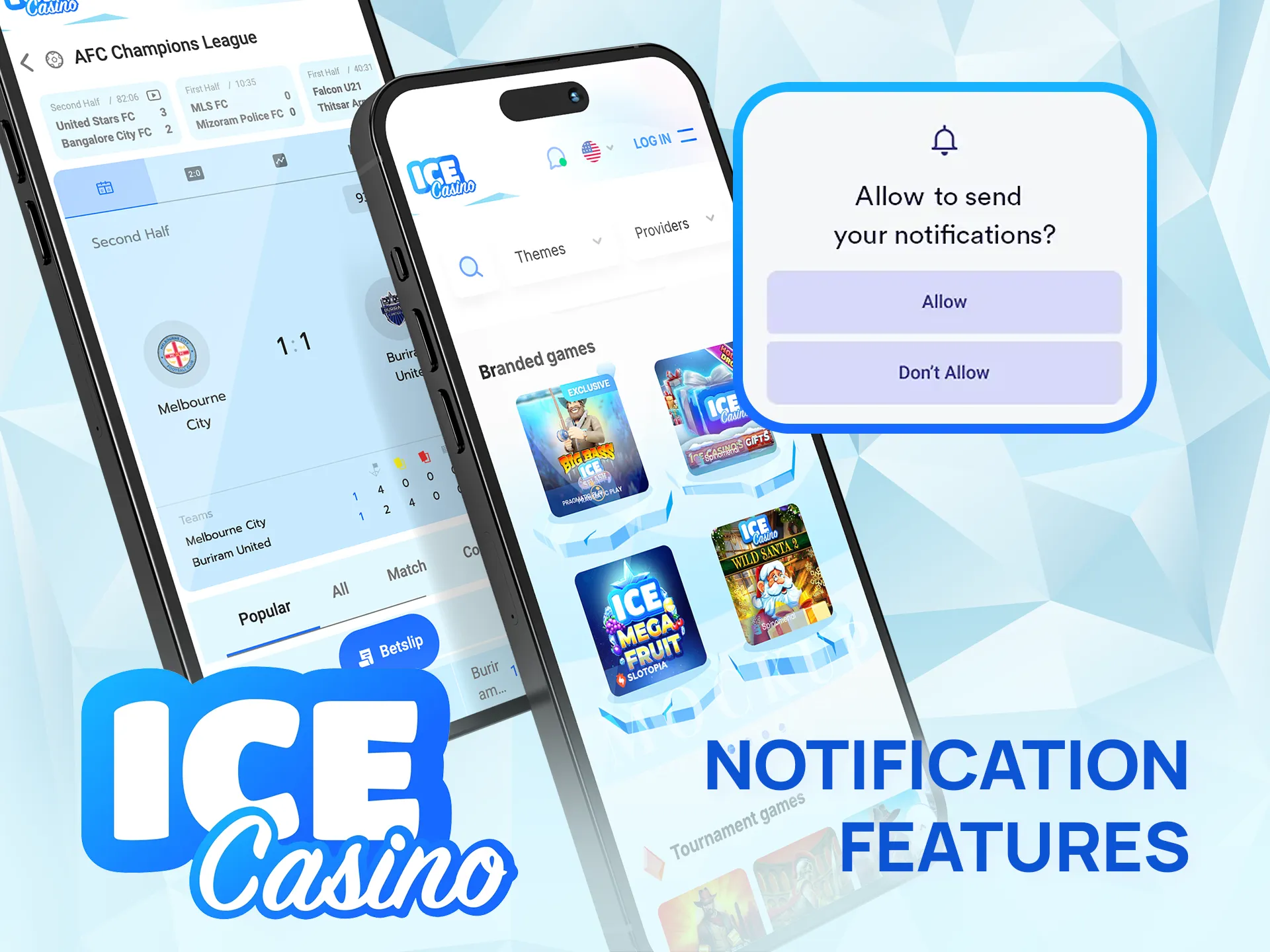
The official app page recommends allowing notifications: they announce personal bonuses, promotions, tournaments and new versions of the app. Android asks for permission, and notifications can be switched off later in the phone’s settings. A confirmed phone number also brings offers and payment confirmations by SMS, and promotional news is collected in the “Messages” section.

Ice Casino App Security Protocols

Play safely with strong security in the Ice Casino app.

Ice Casino runs under a Curaçao licence held by Whitebox B.V., and data travels over an encrypted connection. Two-factor authentication can be switched on, the login form uses reCAPTCHA, and repeated failed logins lock the account for a few minutes. Login History shows sessions with device, IP and location. Card payments may need 3D Secure, and document checks are part of the data protection and anti-fraud rules.

Ice Casino App Device Permissions

Grant access so Ice Casino app works smoothly on your device.

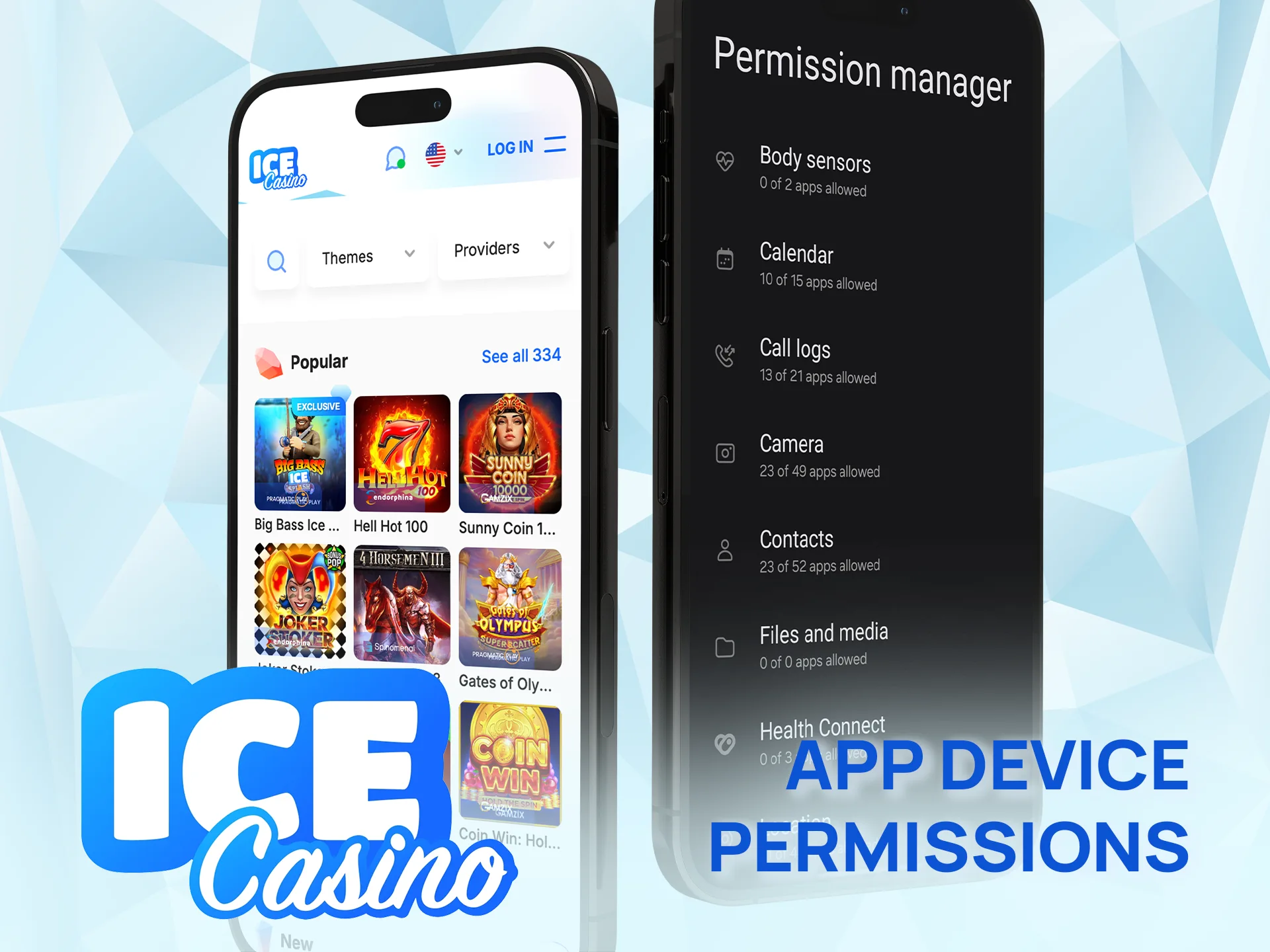
The Ice Casino app needs network access to show odds, games and account info. Installing the APK requires allowing installs from unknown sources for the browser or file manager; this can be switched off afterwards. Notifications are optional but useful for bonus news and update alerts. Camera or Photos access is used when documents are uploaded for verification, and Shake Bonus uses the phone’s motion sensor. The privacy policy states that device data such as IP address and location may be collected. All permissions can be managed in the device settings.

FAQ

Why can’t I find the app on Google Play or the App Store in Ireland?

The Android app is an APK from the official Ice Casino website, not from Google Play. The operator mentions an App Store version for iOS; where it is not offered, iPhone users play in Safari and add the site to the Home Screen. The account is the same everywhere.

What is the minimum deposit in the app?

The first welcome-package deposit starts at €10. Each method has its own minimum, shown in the cashier before you confirm.

How fast are withdrawals to Ireland?

After KYC, requests up to €499 are approved within 12 hours (2 working days at most), and €500–€4,999 within 48 hours (5 working days at most). The payment provider then adds its own time before the payout arrives.

Can I set spending limits on mobile?

Yes. “My limits” offers deposit, loss, wager and time limits and a break of 1 to 21 days. A new limit cannot be removed or raised for 1 day.

Does the sportsbook cover Irish leagues and horse racing?

The betting rules cover football, rugby, tennis, snooker, boxing, esports and more; horse racing is not among the listed sports. The leagues on offer depend on the current fixture list.

Can I use Face ID or fingerprint to log in?

The app page mentions biometric authentication only in general terms, without Face ID or fingerprint details. For extra protection, switch on two-factor authentication in the profile.

How do I see my bet history?

“Bets history” in the profile shows open and settled bets. Deposits and withdrawals are listed in “Payment history”, and casino rounds in “Game transactions”.

Why is my withdrawal pending?

Usually the KYC check is not finished (“Temporarily Approved” documents block payouts) or the email or phone is not confirmed. The method must be in your name and match the deposit method. Live chat can say what is missing.

Updated: